
Welcome to Fusion 2.0 online help
Home page
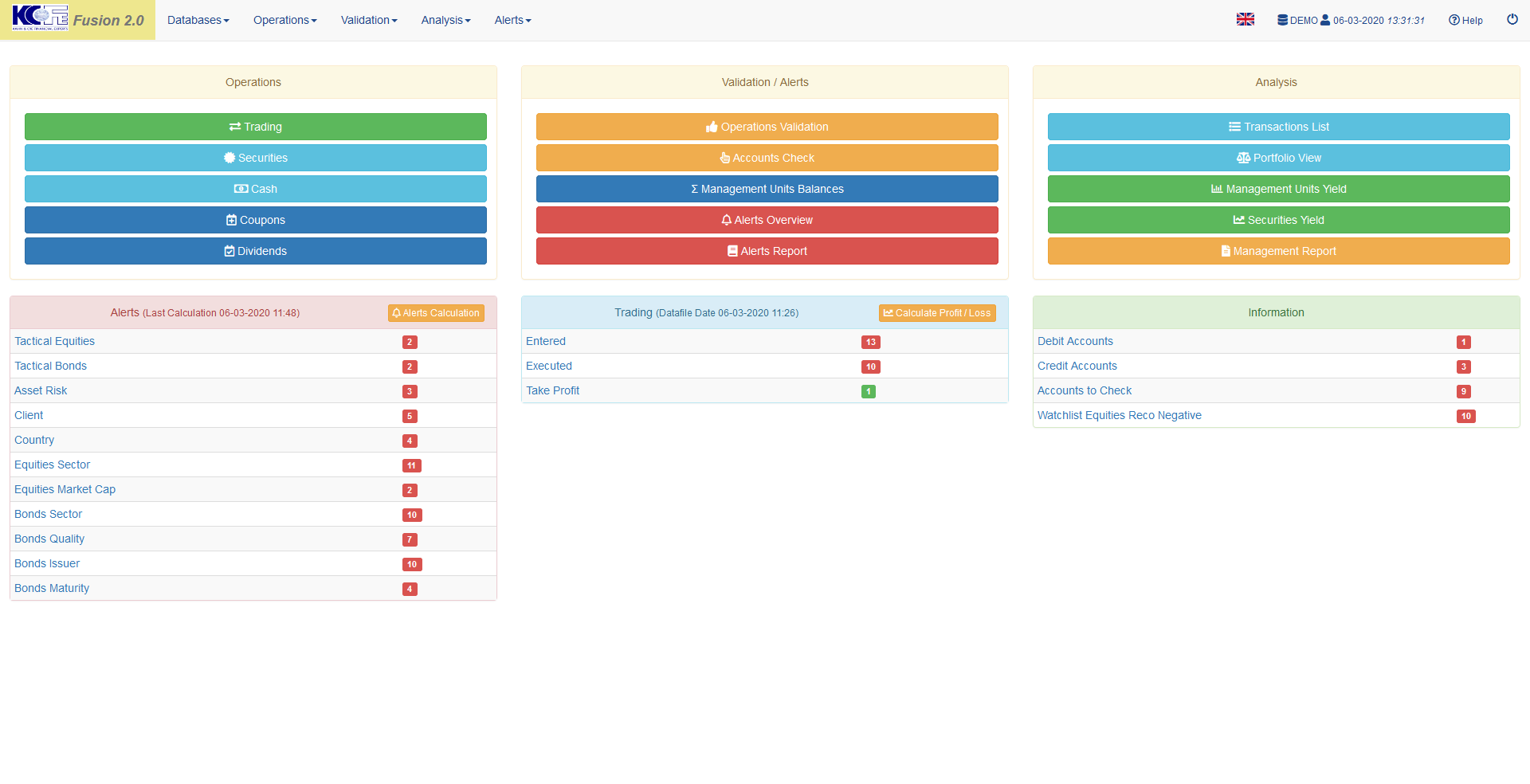
Menu bar
Always accessible, the top menu bar allows you to navigate in Fusion 2.0.
Quick access
Three shortcut blocks, “Operations”, “Validation / Alerts” and “Analysis”, give quick access to the most common functions.
Alerts
Summary view of alerts by category. Click on the category to obtain details.
Trading
Progress state of transactions by status, “Simulation”, “Advice”, “Entered”, “Executed”, click on the status to obtain details.
Information
Various configurable information. Click on the title for details.